Layers, blend modes, smart guides, sixteen tools and non-destructive effects — running entirely on your own machine. No uploads. No sign-up. No subscription.
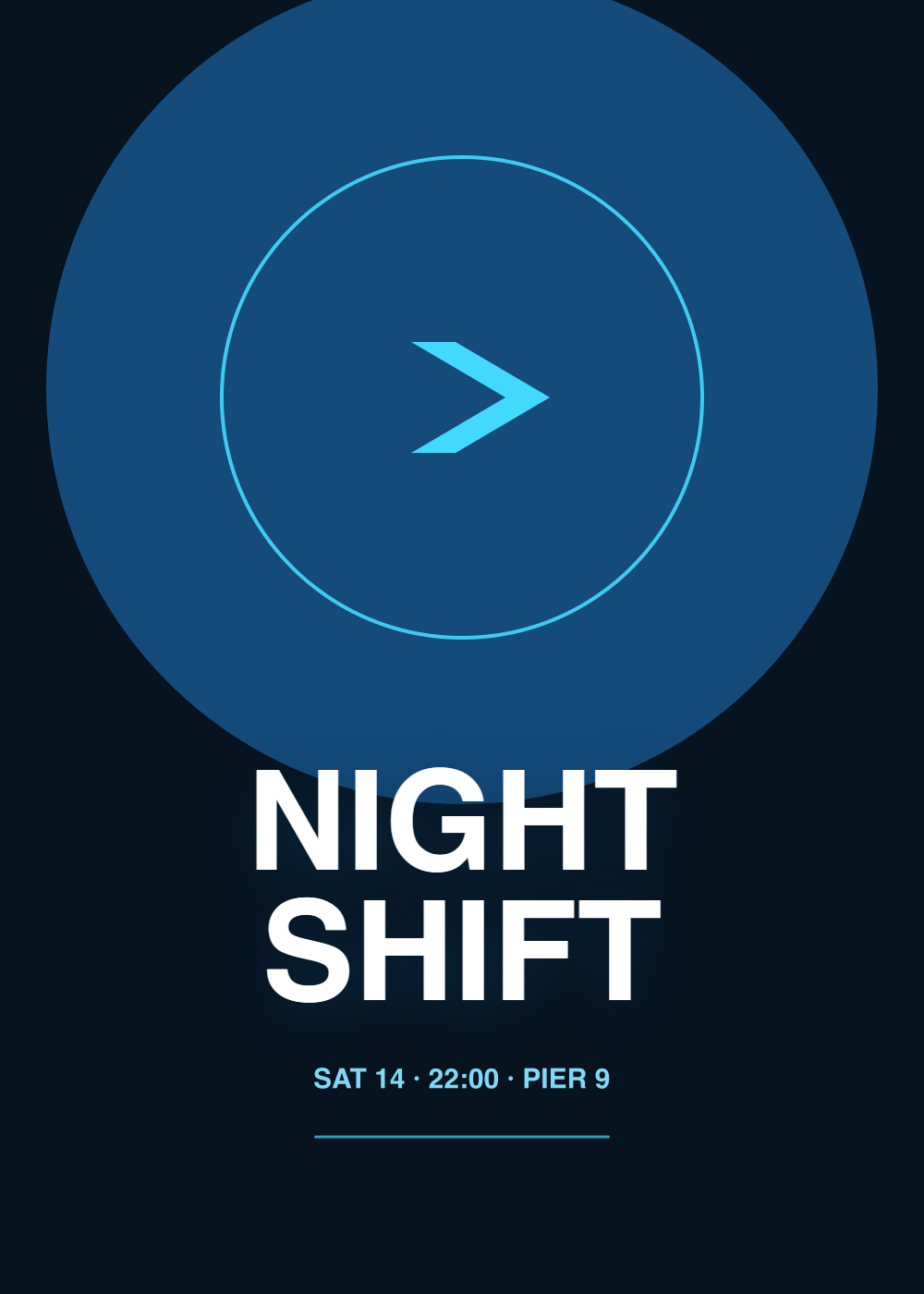
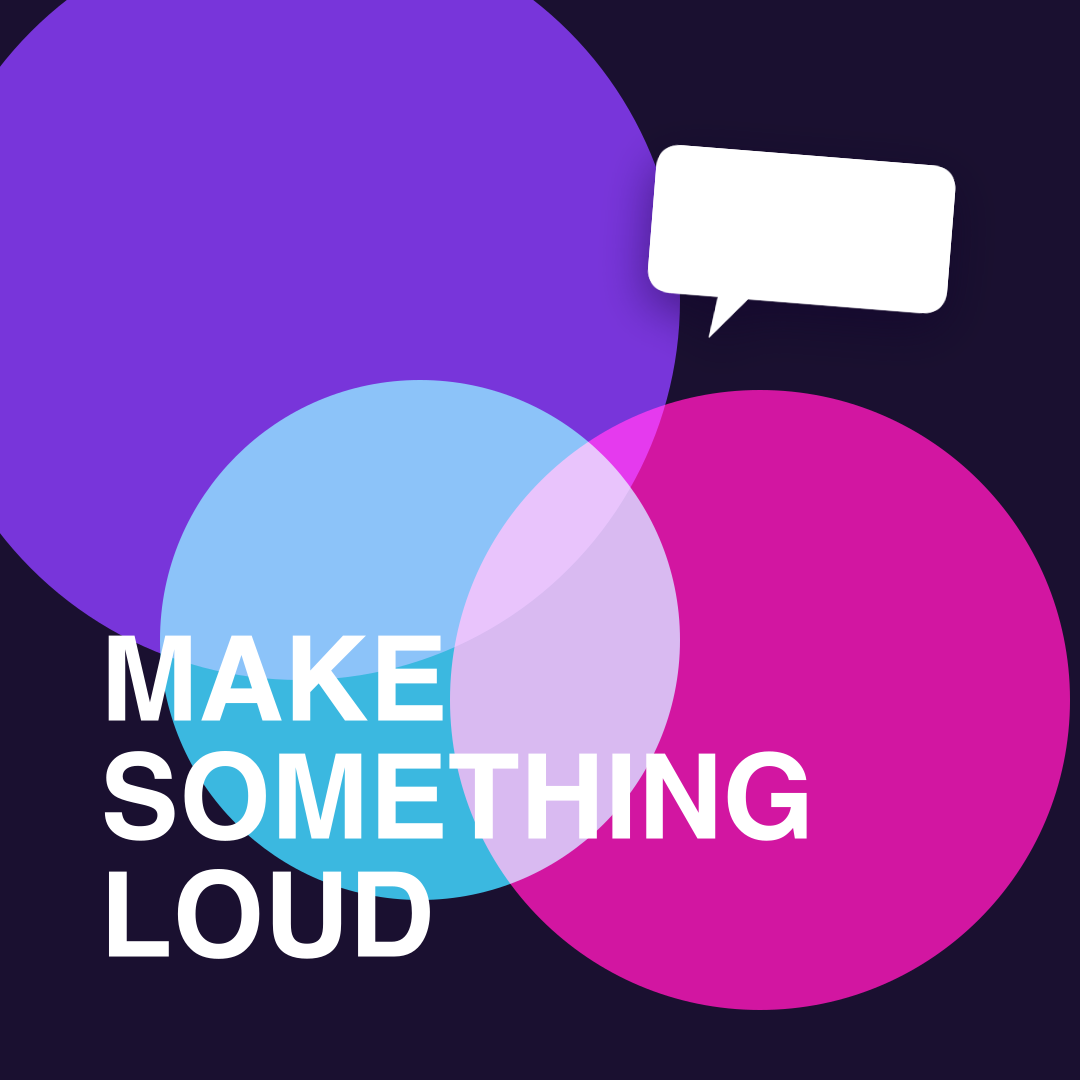
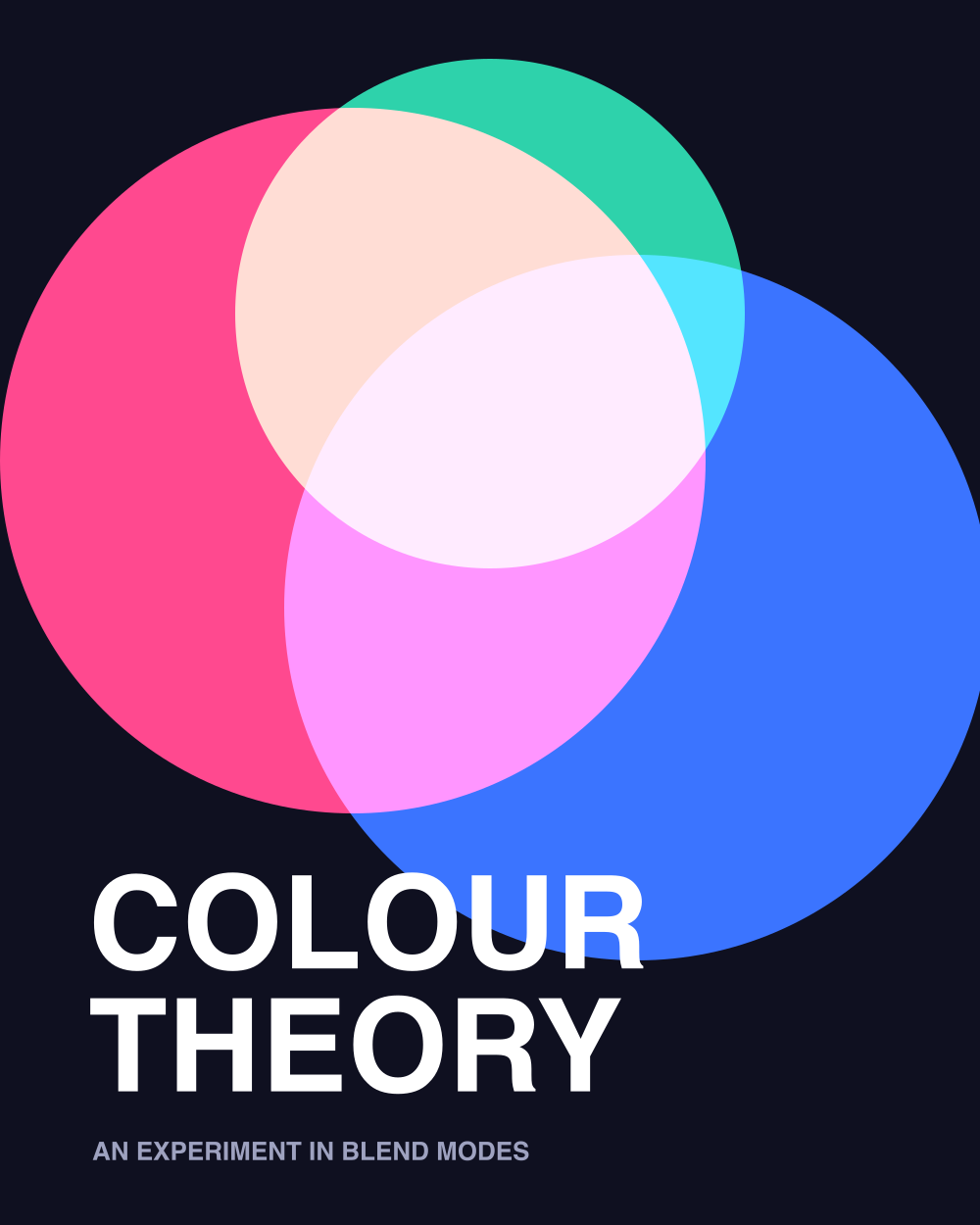
No mockups, no cheating. Each piece below was rendered by Picsmith's own engine — the exact code that runs when you drag a shape onto the canvas. Hover to see what made it.
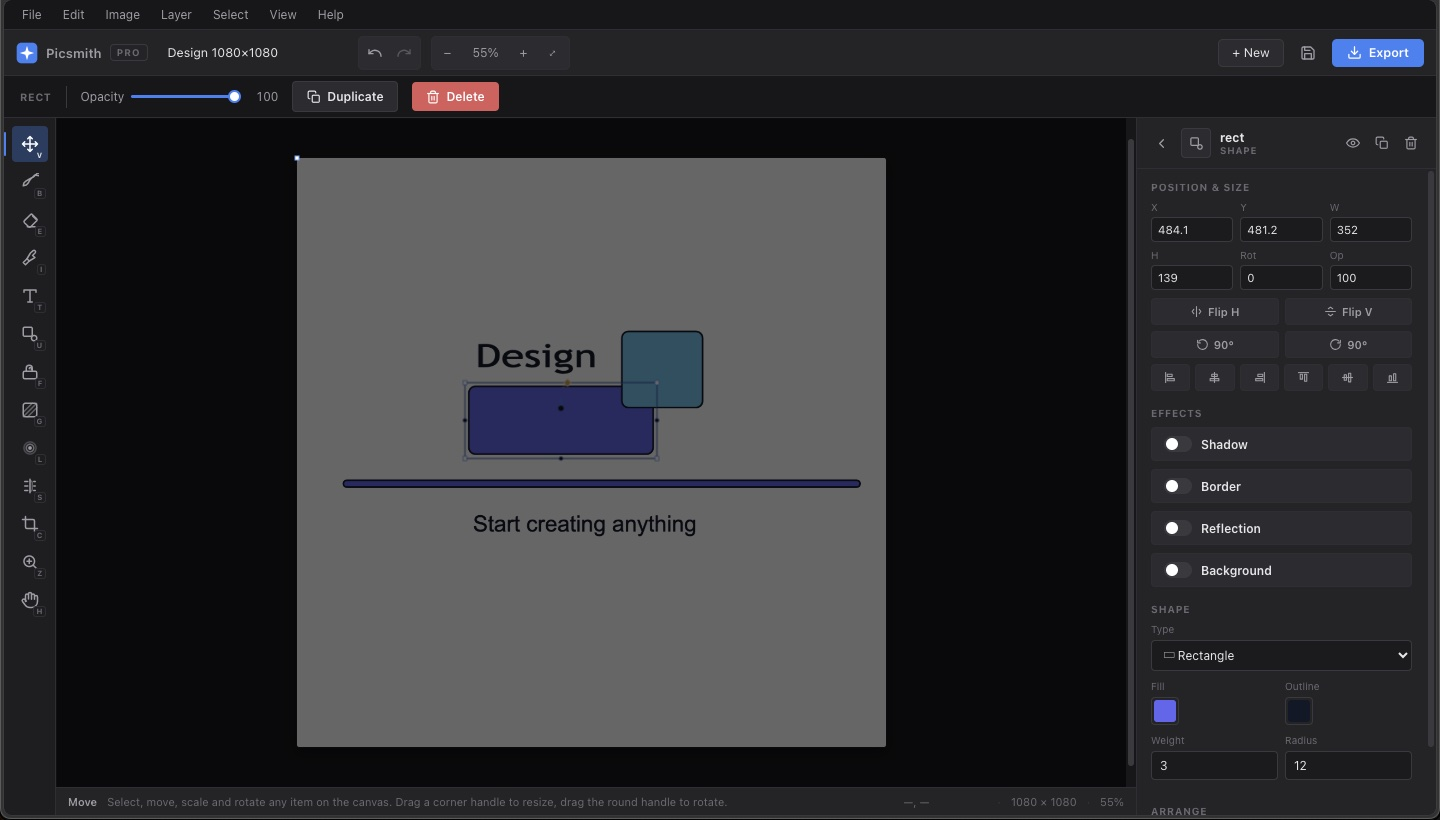
The difference between a toy and a tool is the thousand small things. Drag the blue block below — the guides are real, and they behave exactly like the ones in the editor.
Cut, copy, paste and duplicate any item on the canvas — with its effects, blend mode, rotation and rounding intact. Paste lands under your cursor. Alt-drag pulls off a copy without touching the original. Copy in one design, paste into another tab.
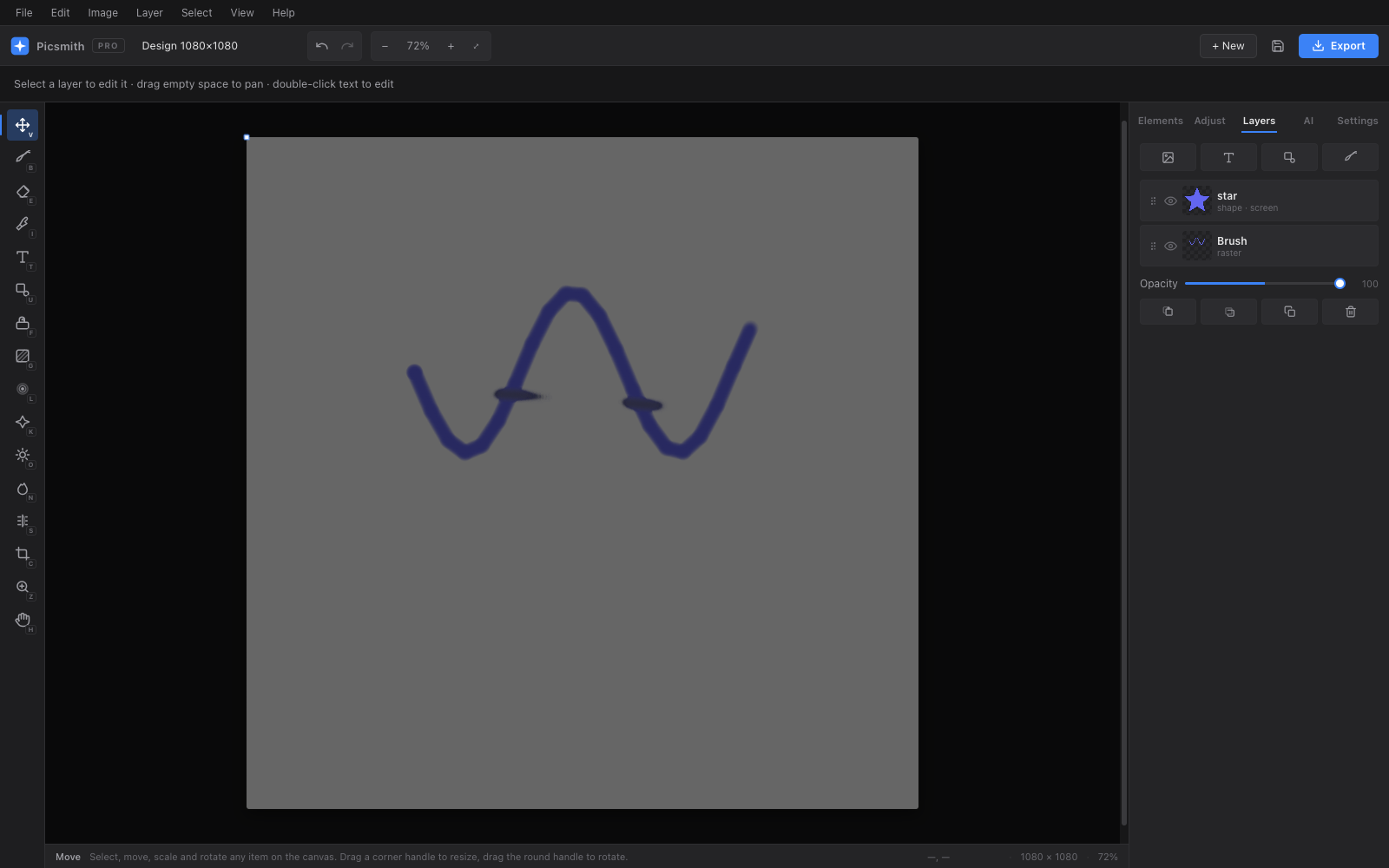
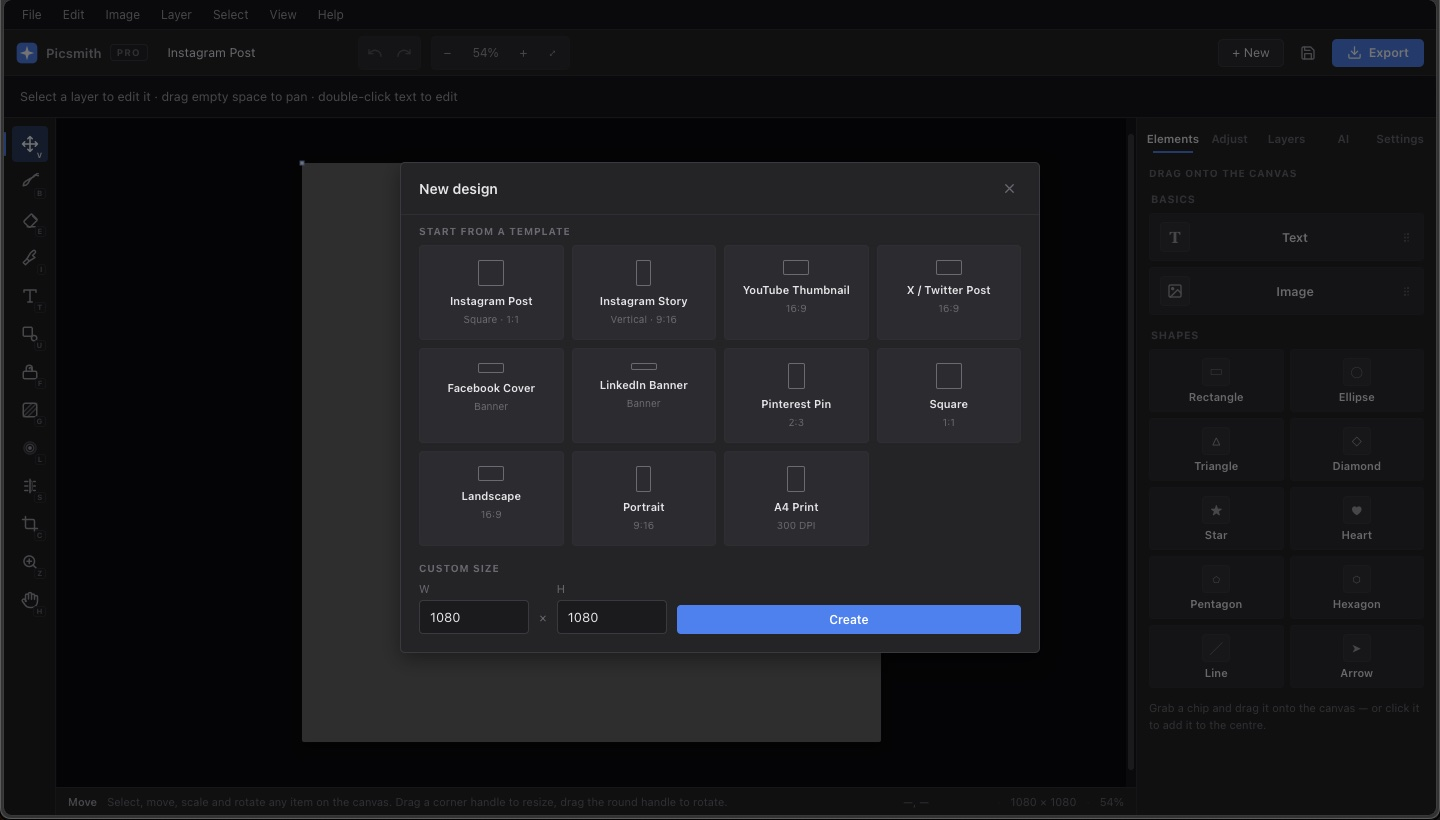
Instagram, stories, YouTube thumbnails, X posts, LinkedIn banners, Pinterest pins, A4 at 300 DPI — or any custom size you type in. Drag a shape straight onto the canvas and it lands where you dropped it.
Blur to soften, sharpen to bring detail back, dodge to lighten and burn to deepen — each with its own size and strength, each painting only where there are pixels to paint. Plus a clone stamp for removing things that shouldn't be there.
There is no Picsmith server. Nothing to sign up for, nothing to leak — your designs live in your browser's own storage and are never uploaded. The one exception is the optional AI tier, which talks straight to OpenAI using a key you provide yourself.
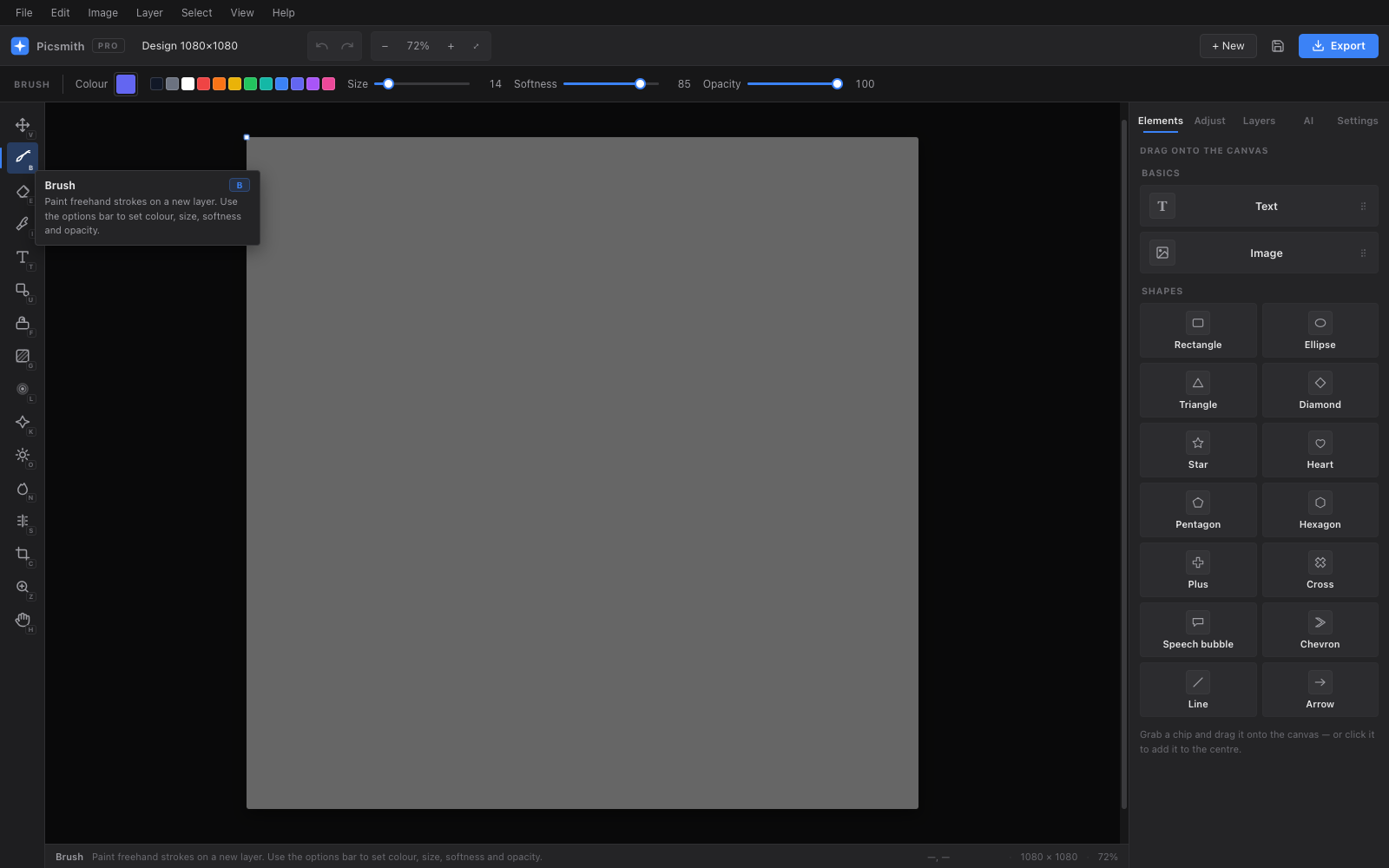
Every one has a single-key shortcut and its own options bar. Hover any tool in the app and it tells you what it does.
Select, drag, scale, rotate and round any item.
Freehand strokes with size, softness and opacity.
Rub pixels away to reveal what's underneath.
Lift any colour from the canvas.
Twelve fonts, spacing, outlines and wrapping.
Fourteen shapes, from stars to speech bubbles.
Flood-fill a region with adjustable tolerance.
Linear or radial, dragged across the canvas.
Soften edges, smudge, or hide a detail.
Paint crispness back into soft areas.
Brush light into the shadows.
Deepen shadows and build contrast.
Copy pixels from here to there.
Trim the whole design to a selection.
Click in, Alt-click out, scroll anywhere.
Or just hold Space with any tool.
Picsmith isn't on the extension stores yet — the listings are in progress. Until then, download the source and load it unpacked. It's the same build, and it updates the moment you drop in a new one.
Download the extensionchrome://extensions — or edge://extensions. Picsmith